KLOXA ONE · The app
Your business on your phone.
Everyone sees only their own.
A member books a class, the instructor clocks in and asks to fix her hours, and you approve - and the hours are already logged. Everyone sees only what they're allowed to.
Sign-up opens soon. Join the waitlist.
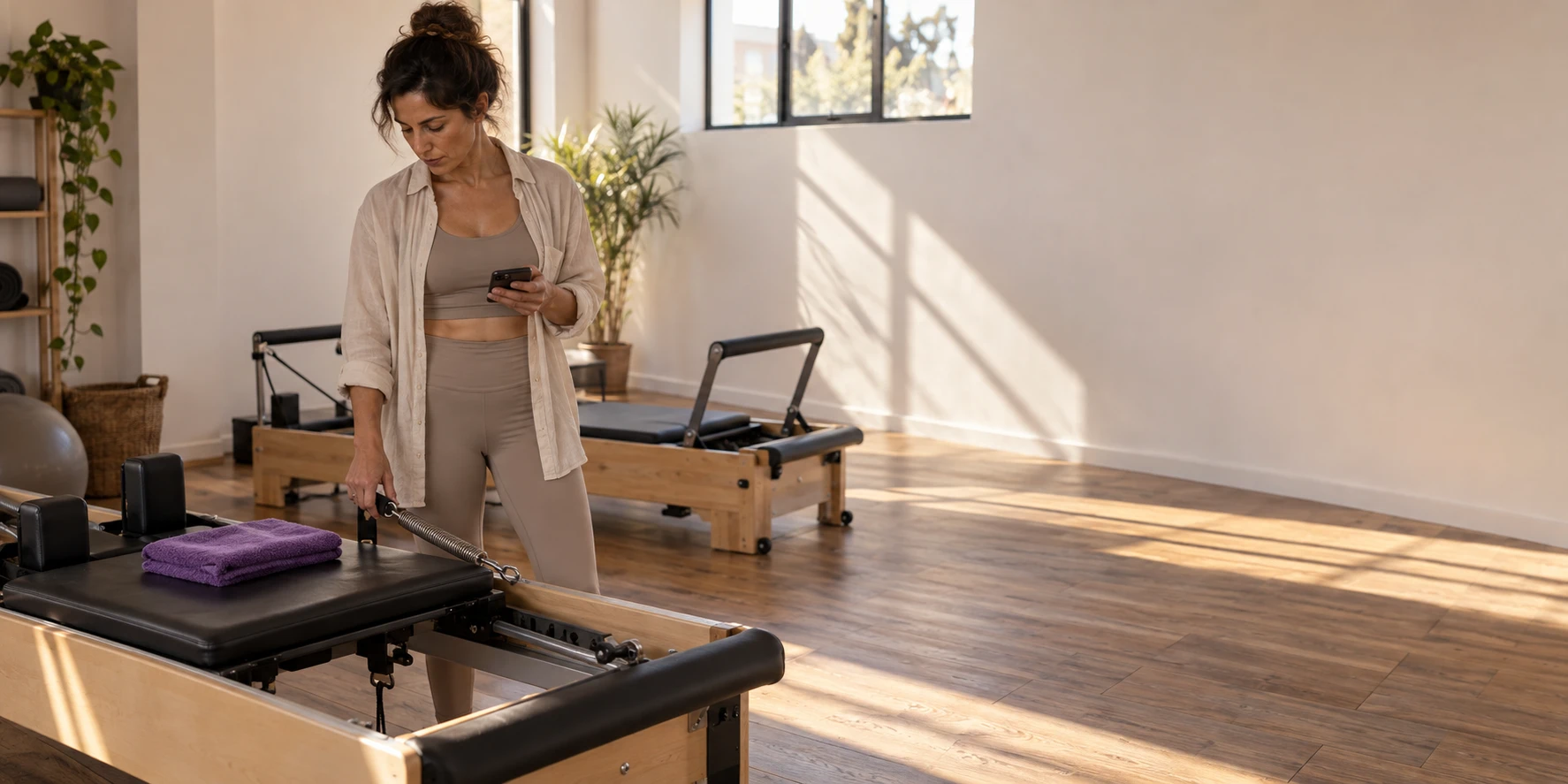
One class, from the start
From the booking in the evening
to the pay slip at the end of the month.
This is how one morning class looks at a Pilates studio, from the phone of everyone involved.
The member booked from the couch.
The spot she chose is open for sign-up.
Noa opens the app and picks a class. She sees only classes that actually have room, and next to them her punch card - how many are left and until when.
Calendar and appointments
The instructor clocked in.
At the right place.
Shiran also teaches at another studio, so before she clocks in she picks where she is right now. The hours are logged only with you, and what happens at the other place isn't visible here.
Attendance and work schedule
She forgot to clock out.
The request is waiting for you in the app.
Shiran sends a correction request from her phone: she left at 1:00 PM. You approve, and the hours are logged for her and flow straight into payroll.
Attendance and work schedule
What came in today?
The number opens only when you touch it.
See today's income, who's coming in the afternoon and what's waiting for you. The amount is hidden until you touch it, so you can open your phone at the counter without everyone seeing.
Reports and analysis
Shiran's pay slip
is already on her phone.
When the pay slips come back from whoever prepares payroll, Shiran opens her pay slip in the app next to the hours she reported. The advance she asked for last month is already deducted from it, in the installments you approved.
Payroll and pay slips
In the app
The business's morning
in the palm of your hand.
Who's coming, what came in and what's waiting for your approval - hour-correction requests and advances from the team, right from the home screen.
Behind one app
Every action from the phone.
Lands in the right place in the business.
What you approved is already logged
An hours correction you approved goes into attendance, and an advance you approved comes off pay in installments.
Two workplaces, no mix-ups
Someone who works at two businesses picks where they are right now, and the hours don't cross from one place to the other.
Done working? Done asking
An employee who has finished can't send a correction request or an advance request, and the button doesn't show for them.
One person, several hats
Someone who is both a business owner and a customer of other businesses switches between them in the same account.
You see what the customer sees
Want to check what booking an appointment looks like from the customer's side? You're already there, with no sign-up.
The invoice arrives in the conversation
An invoice you sent appears in the conversation with the business, and the customer opens it from there.
For everyone who works in the business
For the business owner, the team and the customers.
Everyone gets their own screen.
What you do on the phone is logged straight into the calendar, attendance or payroll.
- My next appointment
- Booking from what's open
- The punch card and balance
- Filling out a form
- A conversation with the business
- Time clock
- Choosing a workplace
- Hours correction request
- Advance request
- My pay slip
- What came in today
- Requests waiting for approval
- New appointment
- New customer
- The amount is hidden until you touch it
Do my customers have to install an app?
No. They can book an appointment and sign a form from a link that opens in the browser. The app gives a returning customer their next appointment, documents, the conversation with the business and their balance in one place - but that's their choice.
Does it cost extra?
No. KLOXA ONE is part of the system, for business owners, teams and customers.
An employee forgot to clock in. What do I do?
They send a correction request from their phone with the hours and the reason. You approve or decline, and the approval is logged in their attendance - it doesn't stay buried in a chat.
I work in two places. Does my data get mixed up?
No. You pick your workplace and see only its shifts, hours and pay slips. What you clock in at one place doesn't carry over to another.
What's the difference between the app and the management system?
The app is built for actions on the go: calendar, attendance, requests and approvals. For longer work, like closing payroll and building a schedule, you use the management system in the browser.
Your business,
in everyone's pocket.
Sign-up opens soon. Join the waitlist.