Tradespeople and Field Services
The office assigns the job.
The technician arrives ready.
The call is logged once and assigned to the available technician. In the field, they see what was done at the customer's last time, and issue an invoice before they get back in the truck.
Sign-up opens soon · Works from the phone, even mid-job

One workday, the whole field
From the warehouse in the morning
to the invoice at sunset.
Everyone has a mobile app. In KLOXA, the call logged at the office, the work done in the field and the invoice that went out are the same file - and nobody copies notes at night.
Morning at the warehouse.
The truck goes out full.
Each truck has its own inventory, separate from the warehouse - and you load several parts in one action. Both sides update, and you always see what was moved and when.
Inventory and warehouses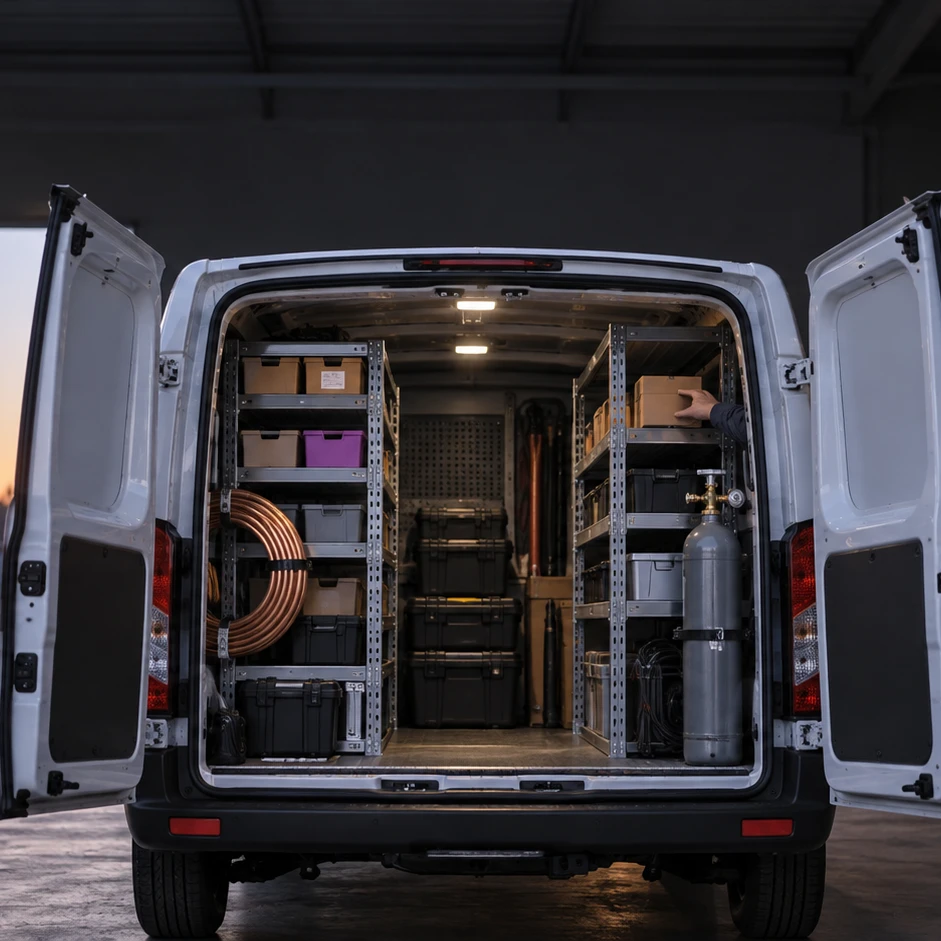
On the way to the job.
The assignment is already on the phone.
The calendar showed the office which technician is free, and leaves travel time before and after each job. The technician heads out to the next job without calling to confirm.
Appointment calendar
The job itself.
The photo goes into the file.
Before and after photos are saved on that customer's card, and don't get lost on the phone. This visit joins the history you see next time.
Customers
The signature on the screen.
The quote is already a work order.
For a repair that only became clear in the field, the customer gets a quote by link to their phone and signs by typing their name. The quote becomes a work order with no retyping.
Documents and invoices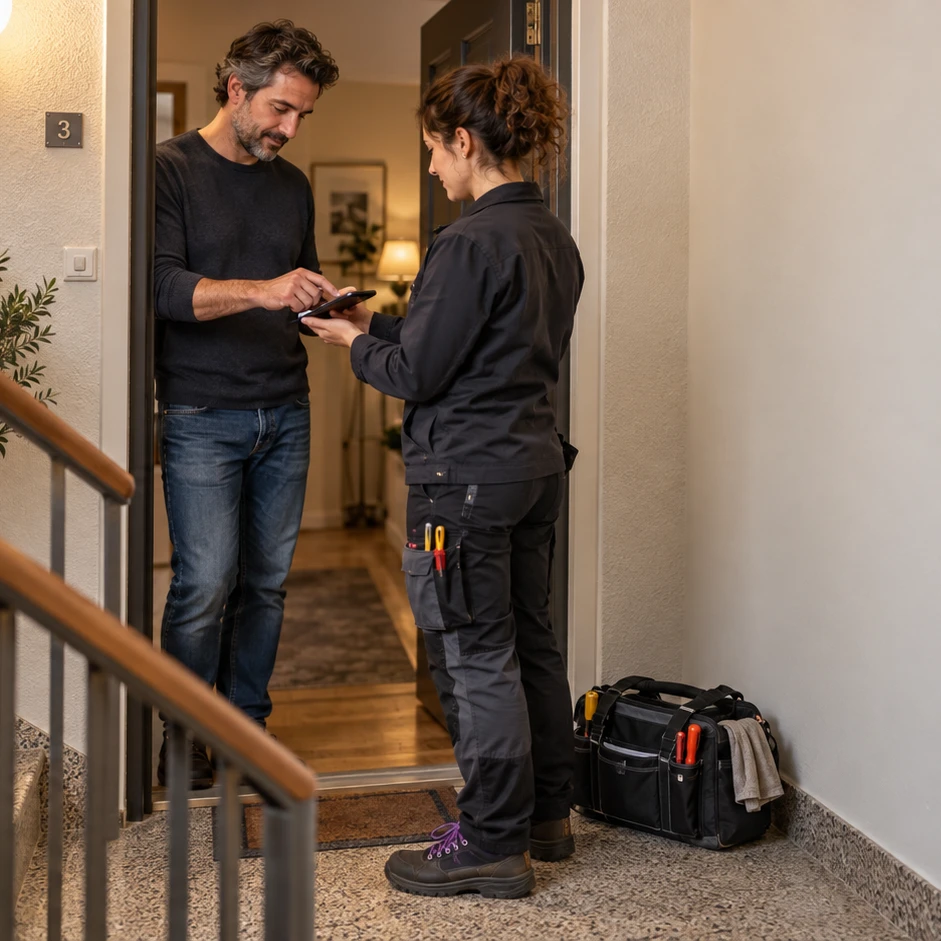
Sunset over the warehouse.
The day is already accounted for.
Each technician's hours are already ready for the monthly summary, with extras and exceptions. The accountant gets the month in one package.
Bookkeeping and accounting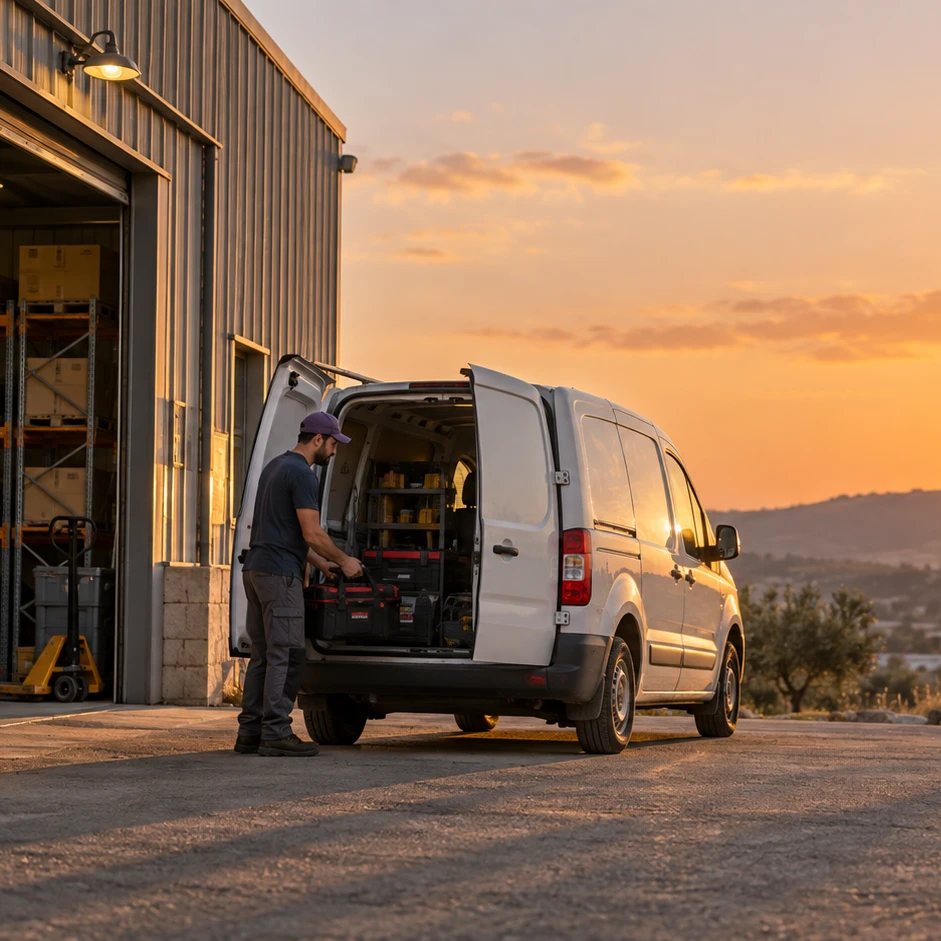
In the system
The technician closes the job
at the customer's.
The job is already assigned to them. On the phone they have the customer, the history and the invoice - and nothing to finish at night.
Call, assignment, part, invoice
What happened in the field.
Already sorted at the office.
Knows what was done here last time
Previous visits, documents and an important note like "building entry code" - show up first.
The invoice goes out at the end of the job
An invoice or receipt from software registered with the Israel Tax Authority shows up for the customer in the conversation with the business and in KLOXA ONE - before you've left the address.
A part is missing? You won't forget
Open an order in the customer's name, with a date and with whatever was already paid.
Hours are logged from the phone
The technician clocks in and out in the app, and the hours are already in the monthly summary - no sheet waiting at the office.
Find the part by a name you know
Search by what's printed on the packaging, by what the supplier calls it, or by what you call it.
What was used reaches the invoice
The material you used goes on the invoice for that job, and a count of the truck shows what's really left in it.
The customer calls the office
Whoever answers logs the address and the problem once, and sees right away what's already been done for this customer.
What's in the warehouse, and what's in each truck
Load from the warehouse to each technician's truck, and know what ran out before they head to the next job.
The same way of working, for a solo operator or a team
The same way of working, whether you run one truck or have four technicians in the field.
No summing up to do at night
The call, the assignment, the parts, the hours and the invoice are saved in the same place.
Calls, inventory, documents and scheduling
From the first call.
To the last invoice.
The call, the assignment, the parts, the hours and the invoice - connected, from the first call to the next visit.
- Full address, contacts and access notes
- Previous visits and documents in one place
- An important note shows up first, so you won't miss it
- A place for the model, serial number or warranty date
- All the customer's files, including before and after photos
- Inventory in the warehouse and a separate inventory for each truck or employee
- How much you really have of each item, and an alert before it runs out
- Move several parts in one action
- Find a part by SKU, barcode, supplier SKU or the name you call it
- See what came in and what went out, and what it cost
- The job closes at the customer's with a signature and an invoice
- A price quote that becomes a work order and then an invoice
- The document shows up in the conversation with the business and is also sent in the channel you set
- Cash, credit or check are logged right at the customer's
- A canceled document stays connected to the call and to whoever canceled it
- A weekly schedule you copy from a previous week
- The office sees who's working today and who's free for a job
- The technician clocks in through the app, or reports several days at once
- Something doesn't add up? You get an alert, and you decide
- Technicians' travel and work hours come together at month-end
- From the call to the invoice - connected
The call stays the same job at every stage
From the assignment at the office.
To closing at the customer's.
The customer card and address
Who the customer is, where they are, and what we've already done there.
Inventory and trucks
What's in the warehouse, what's in the truck, and what ran out.
Quotes, work orders and invoices
From the quote to the invoice, without typing anything twice.
Technicians, scheduling and hours
Who works when, how many hours, and what you pay at the end of the month.
Who decides which technician each job goes to?
The office, or you. The calendar shows which technicians are working that day and who's already booked, and you assign whoever fits. The customer orders a service, not a particular technician.
How does the technician work from the phone?
They install the KLOXA ONE app. There they see the customer's details, issue an invoice, clock in and out and see the next shift.
Can I issue an invoice from the field?
Yes, and it's the change you'll feel fastest. An invoice or receipt from software registered with the Israel Tax Authority goes out at the end of the job and shows up for the customer in the conversation with the business and in KLOXA ONE, before you've left the address. You can send it in another channel the business set up too.
How do I know what's in each technician's truck?
Each truck has its own inventory, with an alert before something runs out. What you load from the warehouse is logged on the truck, and a count of the truck shows right away what's missing compared to what's on record.
How does the calendar leave time for travel?
For each type of job you set a time before and after. When the office looks for a free slot, that time is already held - so a job isn't assigned for a moment when the technician is still on the road.
My work returns to the same customer every two weeks, it's not a one-time call.
You set it once: which days, what time, every how many weeks and who comes - and you see all the dates before they go into the calendar. A change applies from here on, and what's already done stays. Regular gardening, weekly cleaning or periodic pest control - without logging it again every time.
I'm missing a part at the customer's and need to come back. How is that saved?
You open an order in their name: what was ordered, for when and what's already been paid. It waits on the list, and anything past its date is flagged - so the return visit doesn't depend on memory or a message buried in the phone.
I run one truck with no team. Is this a fit?
Yes. You start with what's most pressing - usually customers and invoices - and add the calendar, scheduling and inventory as the business grows. What you don't need doesn't get in the way.
Your words
An electrician says call.
A remodeler says job.
An electrician comes for one call, a gardener returns every two weeks, and a remodeler stays for weeks at the same address. Either way, the work starts at the office, continues at the customer's and comes back with documentation, a signature and a bill.
- Electricalcall
- Plumbingcall
- HVACcall
- Handymancall
- Locksmithcall
- Pest controlcall
- Glazingcall
- Aluminumcall
- Remodelingjob
- Carpentryjob
- Cleaning
- Gardening
- Security
- Othercall
Keep going from here
From the call at the office.
To the invoice in the field.
The customers, assignments, parts and invoices in one place - from the morning to the last job.