Lodging
You see who's coming. You're free to host.
The guest books, you log it once - and you see who's arriving, what was paid and what's left. And the unit is ready in time for the next guest.
Sign-up opens soon · All units in one view, by date

One vacation rental, one day
From the clean sheets in the morning
to the next guest in the evening.
An occupancy chart shows dates. KLOXA also connects to each booking the guest, the deposit, the contract and what needs to be prepared before they arrive.
The guest has left.
The sheets are already being changed.
Set once how much time is needed after each stay, and the unit won't be booked while it's still being cleaned.
Appointment calendar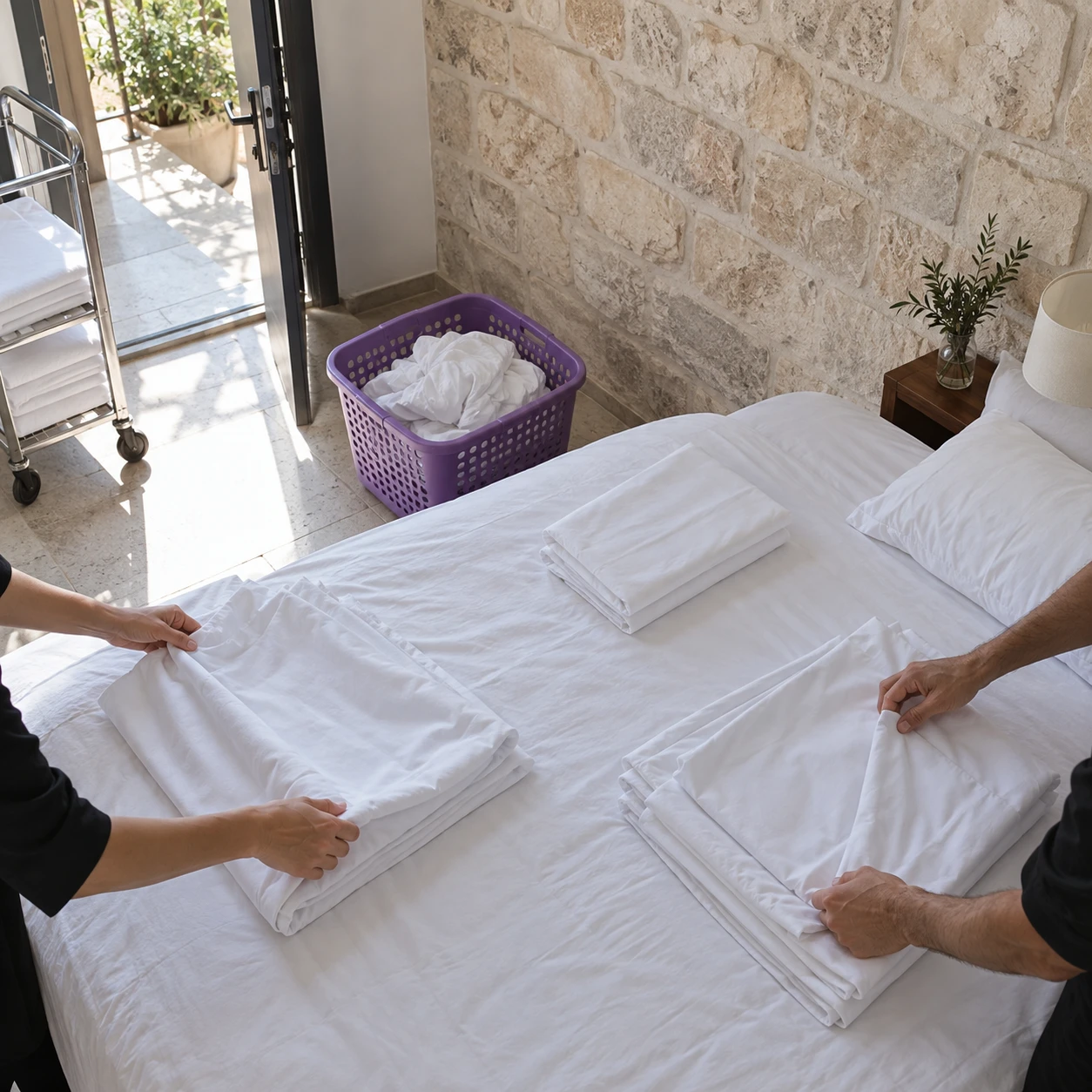
They clean without seeing the guest.
Only what needs preparing.
The cleaning staff see which units are being vacated today and what needs preparing in them, and clock in and out in the app. Guest details and payments - only for whoever you decide.
Time and attendance and work schedules
The call in the yard.
The booking is already in the calendar.
A cabin, a room or a suite - each with its own guest count and color, all side by side. You see right away what's taken and what's free.
Appointment calendar
The booking confirmation is sent.
From the kitchen, without getting up.
It comes straight from the dates you saved, with no retyping. The document shows up for the guest in the conversation with the business, and you can send it in another channel the business set up too.
Documents and invoices
The guest arrives in the evening.
The unit is already waiting.
Send a short form by link: how many guests, when they're arriving, any special request. The guest installs nothing and signs up nowhere.
Digital forms
In the system
The units and dates.
At a glance.
The guest calls or writes, and you see right away what's free. Log the booking, and get ready for the next guests.
The guest feels they were expected
When the guest arrives.
Everything is ready.
Check-in in the evening, checkout the next morning
A stay from evening to morning shows correctly on both days. The unit is taken, and nobody can book it twice.
Hold a date for a guest who's deciding
Block the date, and nobody takes the unit in the meantime. The details get settled later.
How far ahead you can book
A weekend closes months ahead, a single night - the day before. You set the earliest and latest you can book.
Deposit
It's recorded on the booking, and the guest gets a receipt from software registered with the Israel Tax Authority, with the amount and payment method.
Signed stay terms
The contract and cancellation terms are sent by link and signed from the phone, before arrival. If you like, the booking closes only after a signature.
The balance on arrival
Every additional payment is recorded on the same booking. At any moment you see how much was paid, how much is left and when each part came in.
Invoice and month-end close
The invoice sums up the deposit and balance for the stay. By the end of the month, payments are already sorted by the date they came in, and every cancellation stays documented on the booking.
A returning guest
You see right away when they stayed, in which unit and what was agreed last time - and they feel remembered.
Who changed the dates
Every change to a booking is saved in a clear sentence: who, what and when. It can't be deleted or altered.
Sensitive information opens only after approval
To see sensitive information, you approve from your phone, like a bank transfer.
Units, guests, payments and cleaning
The guest feels they were expected.
KLOXA really arranged it.
The unit, the guest's details, the contract and the payments - from confirmation until the unit is vacated.
- All the units at a glance, side by side
- Each unit has its own guest count, days and color
- A stay from evening to morning shows correctly on both days
- Set how far ahead you can book
- A fixed time between guests, for cleaning and prep
- A reminder to the guest before arrival, in the channel you chose
- The deposit, balance and receipt are saved on the same booking
- The document shows up in the conversation with the business and is also sent in the channel you set
- A deposit by check is saved with its date and booking
- A canceled document stays in the booking history, with who canceled it
- Income from stays is ready for the accountant by payment month
- Build the contract by dragging in the fields you chose
- The guest signs by typing their name, from the phone
- The guest installs nothing and signs up nowhere
- You can close the dates only after a signature
- Saved exactly as the guest saw and signed it, and the signature is stored locked
- A weekly schedule you copy from a previous week
- Hours are split into regular, overtime, Shabbat and holiday
- Pay by the hour or by the task - whatever you agreed
- A cleaning shift with a missing clock-in or clock-out is flagged before the day closes
- The hours of the hosting and cleaning staff are gathered into one payroll month
- Early cancellation - no charge
- Late cancellation - a cancellation fee
- Last-minute cancellation - full charge
- A no-show gets its own rule
- The same terms in the contract the guest signs
- What was agreed stays, even if the terms change
- From booking to the next unit - connected
The hosting day connects end to end
From the departure in the morning.
To the guest arriving in the evening.
The units and dates
What's taken, what's free, and who's arriving today.
Documents and payments
Deposit, balance and invoice - on the same stay.
Terms and guest details
What needs signing and what you need to know - before arrival.
Staff and shifts
Who worked, how many hours, and what you pay at the end of the month.
Guests reach out from their phones. How does the booking come in?
A guest can reach out in the conversation with the business or open a link from the browser, and whoever manages the bookings can log it for them. From that moment the unit, the guest, the payments and the contract wait in one place.
How do I see what's free on a particular weekend?
You pick the date, and see all the units side by side. What's taken looks taken - even a stay that ends the next morning - so the same unit isn't sold twice.
I have several units of different types. Can I keep them separate?
Yes. Each unit has its own guest count, days and color, and each unit type has its own price and cancellation terms. And it's all in the same view.
I need cleaning time between guests. Is that possible?
Yes. You set once how much time is needed after each stay, and the unit won't be offered during that time. No need to remember it on every booking.
My cancellation terms change depending on how far ahead it is. Is that supported?
Yes. You set until when someone can cancel without a charge, when they pay a cancellation fee as a percentage or a fixed amount, and when they pay in full. A no-show has its own rule too, and the same terms appear in the contract the guest signs.
Can I collect guest details in advance?
Yes. You send a short form by link, and the guest fills it in from their phone with nothing to install. What they filled in is saved on their booking, and waits for you when they arrive.
The deposit comes in months before the stay. What does that look like?
The deposit is recorded on the booking, and the guest gets a receipt the moment it comes in. At any point you see how much was paid and how much is left, and when the guest arrives, everything is already clear.
Can I move my guests and bookings over from my current system?
We start from the guest list and the information you already have. Before the move, we go through the units, future bookings, payments and special details worth keeping, one by one, before moving anything.
Your words
Between a vacation rental and a guesthouse -
one unit, one stay.
In a vacation rental, a guesthouse and a hosting apartment, you manage the same sequence: a free unit, a booking, a deposit, arrival, cleaning and the next guest. Another kind of lodging can work by the same sequence too.
- Vacation rentalstay · unit
- Guesthousestay · unit
- Otherstay · unit
Keep going from here
The units, the guests and the money.
In one place.
The bookings, guests and payments are in order - and you're free to host.