Professional confidentiality
What a client entrusted to you
stays with you.
Files, agreements and personal details need controlled access. You decide who on your team sees what, and even access for support happens only with your approval.
You decide who sees each area · Approval from your phone for sensitive data · A record that cannot be changed
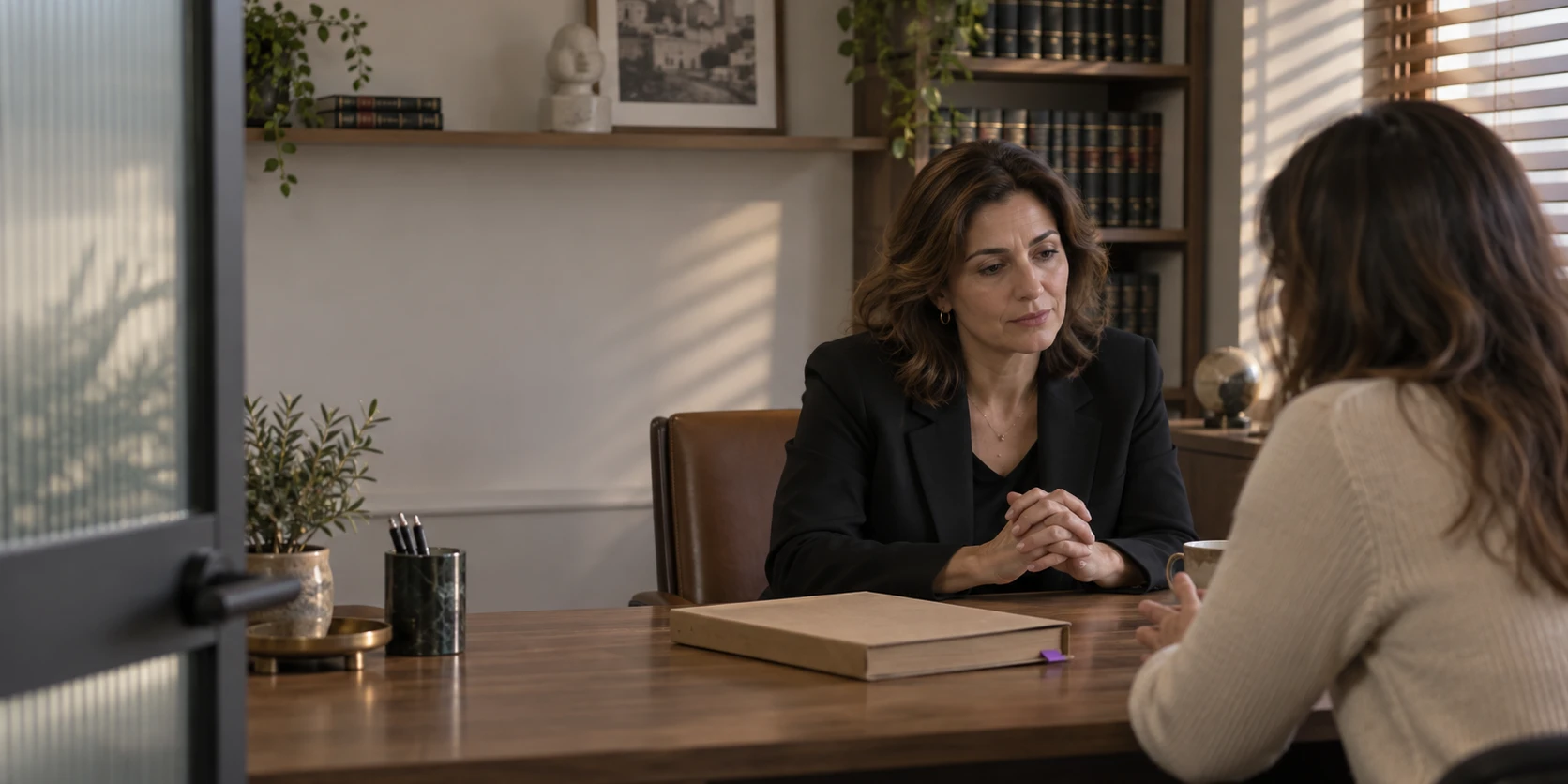
One office, one file
From the first call
to who opened the file.
Not everyone who works for you needs to see everything. Whoever books appointments, whoever handles documents and whoever opens the file itself - each can see only their own part. And the protection is there without getting in the way: sensitive information stops only where it needs to.
Reception books an appointment.
The file stays out of sight.
Reception sees the calendar, the name and the type of meeting. They do not see the contents of the file, and nobody has to do anything to make that so.
Permissions and control
The client signs from his phone.
Before he even arrives.
The agreement or declaration goes out as a personal link, is signed from the phone, and lands in the file. The signature itself is stored encrypted.
Digital forms
Opening the file.
One approval from the phone.
You approve from your phone once, and work without interruption. The approval is valid for a set time and is not asked again on every click.
Permissions and control
The invoice goes out from the file.
No details passed along.
A receipt or an invoice, straight from the file, without passing details to another system. And a wrong invoice is canceled and stays in the system, with a record of who canceled it and when, the way a mistake should be handled.
Documents and invoices
Every action is recorded.
Even someone who only looked.
When you need to find out what happened in a file, you can go back to the record and check who acted and when. The person's name, the action, the file and the time appear in a clear sentence anyone can understand without technical knowledge. Viewing sensitive information is recorded separately - not just who edited, but also who opened and saw, and on what day. And what is recorded stays as it is: no one can edit or delete it afterward.
Permissions and controlSet once during setup
Who sees what,
and how it stays that way.
Everyone sees only what they need
For each role you choose, in each area: no access, view only, edit or manage. Your secretary can get full access to the calendar and customers without seeing a file, payroll or bank details.
Sensitive information opens separately
ID numbers, bank details and pay do not open with regular access. Even someone who edits a customer card does not see them, unless you gave them access.
And opening it takes an approval from the phone
Just like approving a bank transfer. If someone leaves their computer open and walks away, the sensitive information stays closed.
A sensitive form opens the same way
A health declaration or an agreement marked as sensitive requires the same approval to open, even after it has been signed and saved in the file.
Removing the protection takes an approval too
To remove the sensitive mark from a document you need the right access and an additional approval. And that is recorded too.
We do not get in without your permission either
When you ask for help and we need to take a look, you approve it yourself, for a set time, and everything done stays recorded on your side.
What is protected
Set it once.
It stays right even when the team changes.
You decide who sees each area, sensitive information opens only with approval from the phone, and every action is recorded in a log that cannot be changed.
- Permissions for each role in each area
- No access, view, edit or manage
- Sensitive information opens separately
- Approval from the phone
- A protected sensitive form
- Signature stored encrypted
- Removing protection takes extra approval
- Support access only with your approval
- Every action recorded in a clear sentence
- Viewing sensitive information is recorded too
- A record that cannot be changed
- A canceled document, not a deleted one
- What a client entrusted to you stays with you
Who this matters to most
Professions where confidentiality
is not a preference but a duty.
Medicine and therapy
A patient file with medical notes, signed health declarations and treatment summaries. The staff who book appointments do not need to see any of them.
Law
Client files, documents and agreements. Even inside the firm, not everyone with access to the system needs access to every file.
Accounting and tax advice
Clients' financial data, account numbers and accounting documents, and you decide who types and who only views.
Consulting and personal coaching
Meeting content, notes and engagement agreements. All in one file, opened only to those you allow.
Can I give my secretary access without letting her see files?
Yes. You give her access to the calendar and customers, and sensitive information stays closed to her. Any change takes effect from the next action in the system.
What happens when an employee leaves?
In one action you move them to the archive: their employment is closed, and their future shifts come off the calendar. The history is kept - what they did, when, and what they looked at - so you can answer a question even two years from now.
Where is the data stored?
On servers in Israel. Each business is completely separate from the others, and the separation is enforced inside the system itself - not just in what is shown on screen. Sensitive information such as ID numbers, bank details, pay and signatures is stored encrypted.
Can I see who viewed a particular file?
Yes. Viewing sensitive information is recorded separately from editing, so you can answer who opened what and when, not only who changed it. And the record cannot be changed or deleted.
Does my client need to install anything to sign?
No. The personal link opens in a browser, and the client fills in and signs without installing or signing up. The form is saved in the file in the wording that was shown to them at the time of signing.
Is the approval from the phone required for every action?
No. You approve once and work without interruption for a set time. The approval is required to open sensitive information, not to book an appointment or issue an invoice.
Who builds the system?
Efi Revivo, founder and CEO of KLOXA, a senior bookkeeper. His professional experience shapes the accounting and payroll tools. The certifications and the full story are on the founder page.
Continue from here
Want to see how it works
on your own files?
Sign-up opens soon. Join the waitlist and hear first.