Automotive and transportation
One license plate.
Everything that happened with it.
Type a license plate number and see the model, the owner and every previous service. From there, straight to a price quote, a work order and an invoice.
Sign-up opens soon · A customer's vehicle or a vehicle from your fleet - the same card
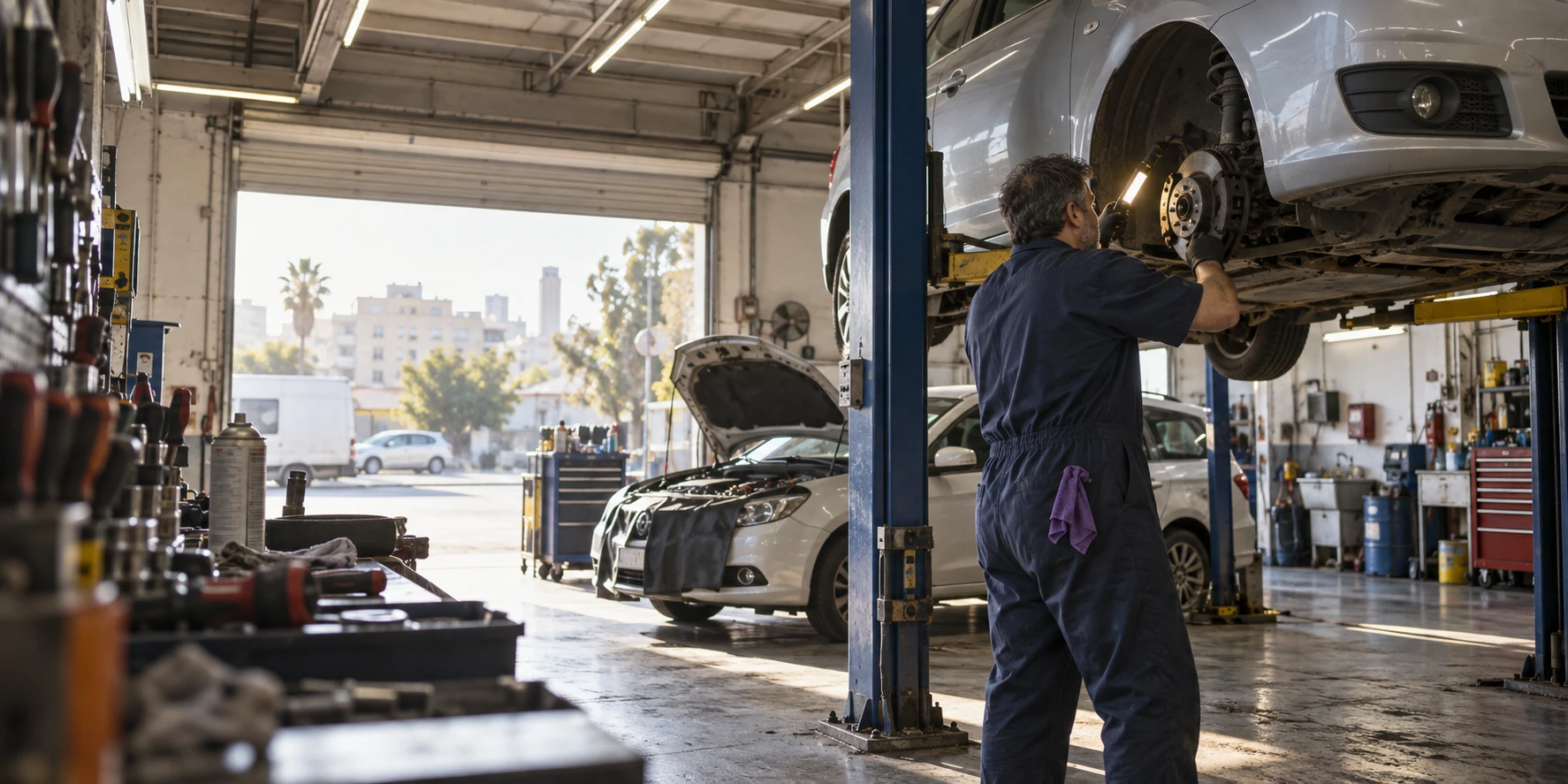
One auto shop, one day
From the empty bay in the morning
to the invoice that went out in the evening.
Every piece of software remembers who the customer is. KLOXA also remembers the vehicle - one license plate number instantly brings back the jobs, the parts and the documents.
Four empty bays.
The day hasn't started yet.
Whoever answers the phone searches by license plate number or name, sees what was done in the past, and holds a free station and time.
Calendar and appointments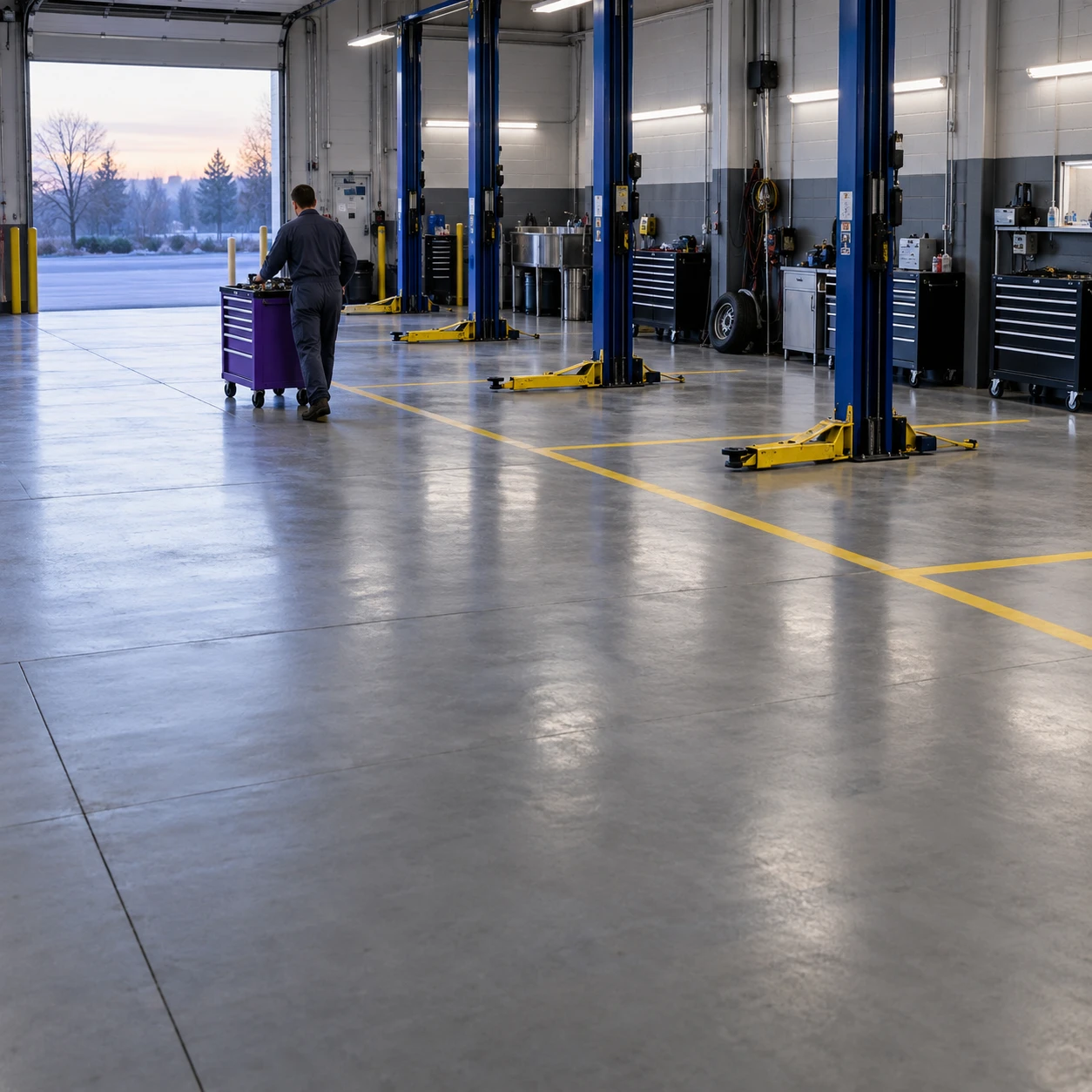
One license plate.
Everything that happened with it opens.
License plate number, make, model, year, mileage, annual test date - whatever you need. And you can search by any of them.
Customers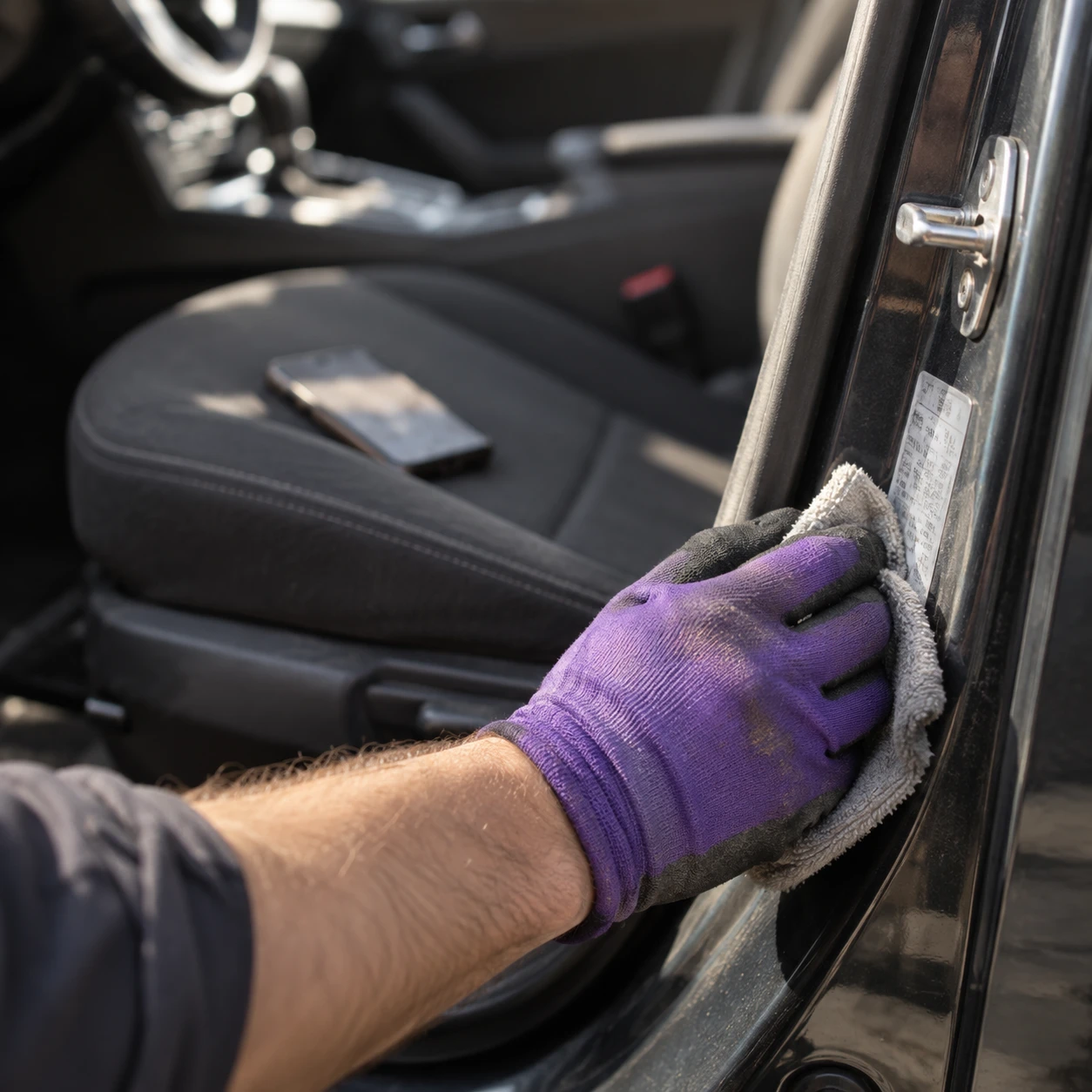
You write down what's needed.
The quote is already on his phone.
You write down what's needed and send a quote to the customer's phone. He signs, and it's saved exactly as he saw it - no argument about what was agreed.
Documents and invoices
The quote became a work order.
The part already came off the inventory.
The approved quote becomes a work order, and you assign a mechanic and a station. The parts come off the inventory and the hours are recorded for whoever worked.
Inventory and warehouses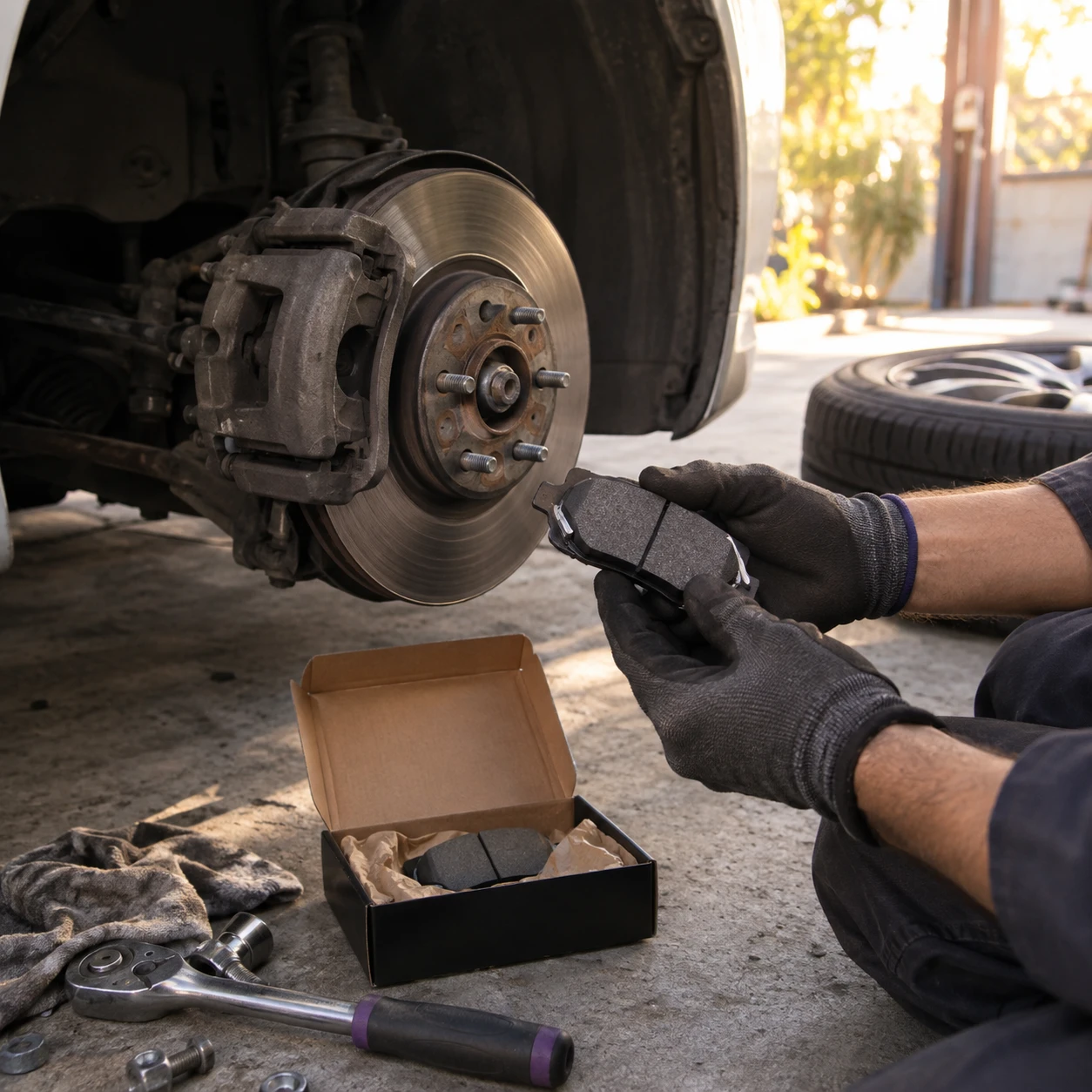
The part you ordered arrived.
The customer is already on the way.
Not in stock? You open an order in the customer's name: what, for when and how much was paid. When the part arrives, the customer gets a message and you book an appointment for installation.
Inventory and warehouses
In the system
The stations, the vehicles and the team
in the same calendar.
Whoever receives the vehicles sees which station is free and who on the team is working today - and assigns only what can actually be done.
Not just the customer's name - the vehicle too
What was done to the vehicle.
Waiting for the next visit.
One customer, several vehicles
Two vehicles with the same customer, without opening two customers. A vehicle that changed owners moves with its history to the new owner. And for a small fleet you decide who pays for whom, and up to how much.
What was done, when, and by whom
Every service, trip or move is saved with the parts that were replaced and who did it. A vehicle that comes back in a year arrives with its file - even a new mechanic knows what happened.
Photos and approvals in one place
Before and after photos, delivery confirmation, license or insurance - all with the same customer. And an important note, like a recurring fault, shows up first.
You see which station or vehicle is free
Garage stations, wash lanes and fleet vehicles - all side by side, with what's free and what's taken.
You assign whoever fits the job
Mechanic, auto electrician or driver - only the people who fit the type of job and are working at that hour are shown. The customer brings the vehicle, you decide who handles it.
You know how many parts you really have
Inventory in the warehouse, and separate inventory for each station or service vehicle. You get an alert before a part runs out, and you know what each one cost.
The bill is built from what was actually done
The parts, the hours and the trips are already in the invoice - nothing to fill in. No end-of-day guessing.
An approved quote becomes an invoice
The parts, the hours and the trips become an invoice with one click - directly, or through a work order. A quote that hasn't been approved yet waits on the list, so you can follow up.
A part that left the inventory goes into the bill
What was installed in the vehicle comes off the shelf and goes into the invoice together. You don't discover at the end of the month parts that went out without anyone paying for them.
Who hasn't paid, and on which vehicle
You see which invoices are still open and what has passed its due date, without going through files.
The next service isn't forgotten
A vehicle due for periodic service reminds itself, and the customer comes back to you instead of looking for another garage.
At handover, everything is ready
The work order becomes an invoice without retyping, and the job is saved under the license plate number. The customer pays and leaves, and at the end of the month your accountant gets everything in order.
Vehicle, parts, stations and documents
The customer feels you remember their vehicle.
KLOXA really does remember.
The license plate number, what was done, the parts and the invoice - connected, from the price quote to the next visit.
- License plate number, make, model, year, mileage and annual test date
- Search by any of them
- A private vehicle and a business fleet with the same owner
- Everything that was done: what, when and by whom
- All the customer's files, including photos and approvals
- Inventory in the warehouse and inventory for each station or service vehicle
- How many of each part you really have, and an alert before it runs out
- Find a part by SKU, barcode or supplier SKU
- See what came in, what went out and what it cost
- Transfer several parts in one action
- All of today's stations and vehicles, side by side
- Each station or vehicle has its own hours, days and capacity
- Only people who can do the job and are working at that hour are shown
- A long job keeps the station or vehicle occupied
- A reminder to the customer before the appointment
- The job and the parts move together to the order and the invoice
- A quote that becomes a work order and then an invoice
- The document shows up in the conversation with the business and is also sent through the channel you set
- A post-dated check is kept next to the vehicle, along with the balance still open
- A credit or cancellation is kept next to the job and the original document
- From the price quote to the next visit - connected
The vehicle connects every stage of the work
From pulling into the bay.
To getting back on the road.
Customer and vehicle card
Who the customer is, which vehicle, and what's already been done to it.
Parts inventory
Which part is left, in which warehouse or vehicle, and what needs to be ordered.
The calendar, stations and vehicles
Which station, which vehicle, and who handles it.
Quotes, work orders and invoices
An invoice based on what was actually done, not on what's remembered.
Where do I keep the license plate number and model?
On the customer card. You add the license plate number, make, model, year or mileage yourself, and search by them - a license plate number takes you straight to the customer and everything done for them.
One customer with two vehicles. Do I open two cards?
No need. The vehicles sit with the same owner, and you see everything in one place. And for a small fleet you can set who pays for whom, and up to how much.
Can I see what we did to this vehicle a year ago?
Yes. You see what was done, when, by whom and which parts were replaced, including the photos. Even someone who never touched the vehicle before knows everything.
Who assigns the mechanic?
Whoever receives the vehicle - you or the shop foreman. Each station, wash lane or vehicle has its own hours and capacity, and they all appear side by side. The calendar also checks which team members are working at that hour, and shows only those who fit the type of job.
I run shuttles or moving, not an auto shop. Is this right for me?
Yes. The dispatcher sees in the calendar which vehicles are free and which drivers are working, and assigns a driver and a vehicle to every trip or move. A regular trip is booked once for all the dates, the quote and the invoice are tied to the job, and the service and annual test records are kept by license plate number.
The part isn't in stock and the vehicle needs to come back. Where do I record that?
You open an order in the customer's name: what was ordered, for when, and whether it was paid in full, as a deposit or only at handover. Anything past its date is marked, so nothing gets forgotten. When the part arrives the customer gets a message, and you book an appointment for installation.
Can I move vehicles and service history over from another system?
You check which details you already have on customers, vehicles, parts and services, including license plate numbers and SKUs. Before the move we map what moves over directly and how to keep unique information that has no ready-made field.
Your words
A garage says bay.
A courier says delivery.
In a garage the customer's vehicle comes to you; in shuttles and moving your vehicle goes out to them. In both cases the license plate number connects the driver or owner, the job, the parts and the documents. You adapt the names of people and actions to the way your business works.
- Auto shoprepair · bay · appointment
- Body shop and paintrepair · bay · appointment
- Auto electricianrepair · bay · appointment
- Tire shoprepair · bay · appointment
- Car washstation
- Car rentalrental
- Movinghaul
- Couriersdelivery
- Shuttlestrip
- Otherappointment
Continue from here
A file for every vehicle, not just every customer
From the quote to the invoice, everything done to the vehicle is waiting for you next time.